


Moderating chat content shouldn’t require you to write complex rules or custom logic. With easier content suppression, you can now block unwanted content directly from your TalkJS dashboard using a simple list of forbidden words or phrases.
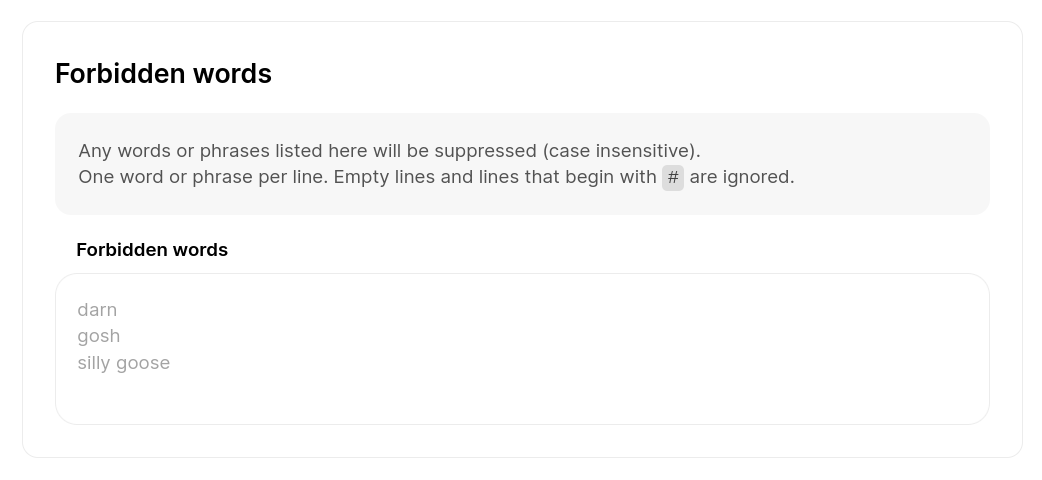
To get started with content suppression:
- Go to your TalkJS dashboard, to the Chat UI page.
- In the section Mask unwanted content, find the area for Forbidden words, and add any words or phrases you'd like to block. Make sure to use a new line for each entry.
Your changes are saved automatically. Any occurrence of any of the words or phrases you've added is now automatically filtered and suppressed in messages in your chat.
Easier for content suppression helps product and moderation teams:
- Respond faster to abuse or unwanted content
- Maintain healthy conversations as usage scales
- Reduce operational complexity for day-to-day moderation
Do you need more advanced filtering? We've got you covered too. Custom suppression patterns using regular expressions are still available, so you can choose the level of control that fits your product.


