


Icons make up a subtle but core dimension of any chat messaging system. Without even being obviously aware of it, your users may interact with your chosen icons hundreds of times a day. Hence the defaults better be good.
The Components SDKs just got a new way to customize icons in your chat, plus an upgrade to the default icon set.
Components 0.2.0 adds a new <Icon> system component for rendering icons in the default theme. The new icon set uses a subset of the Carbon Icons library under the hood. Carbon icons are designed to be accessible, giving you the flexibility to build elegant, cohesive chat experiences for your users.
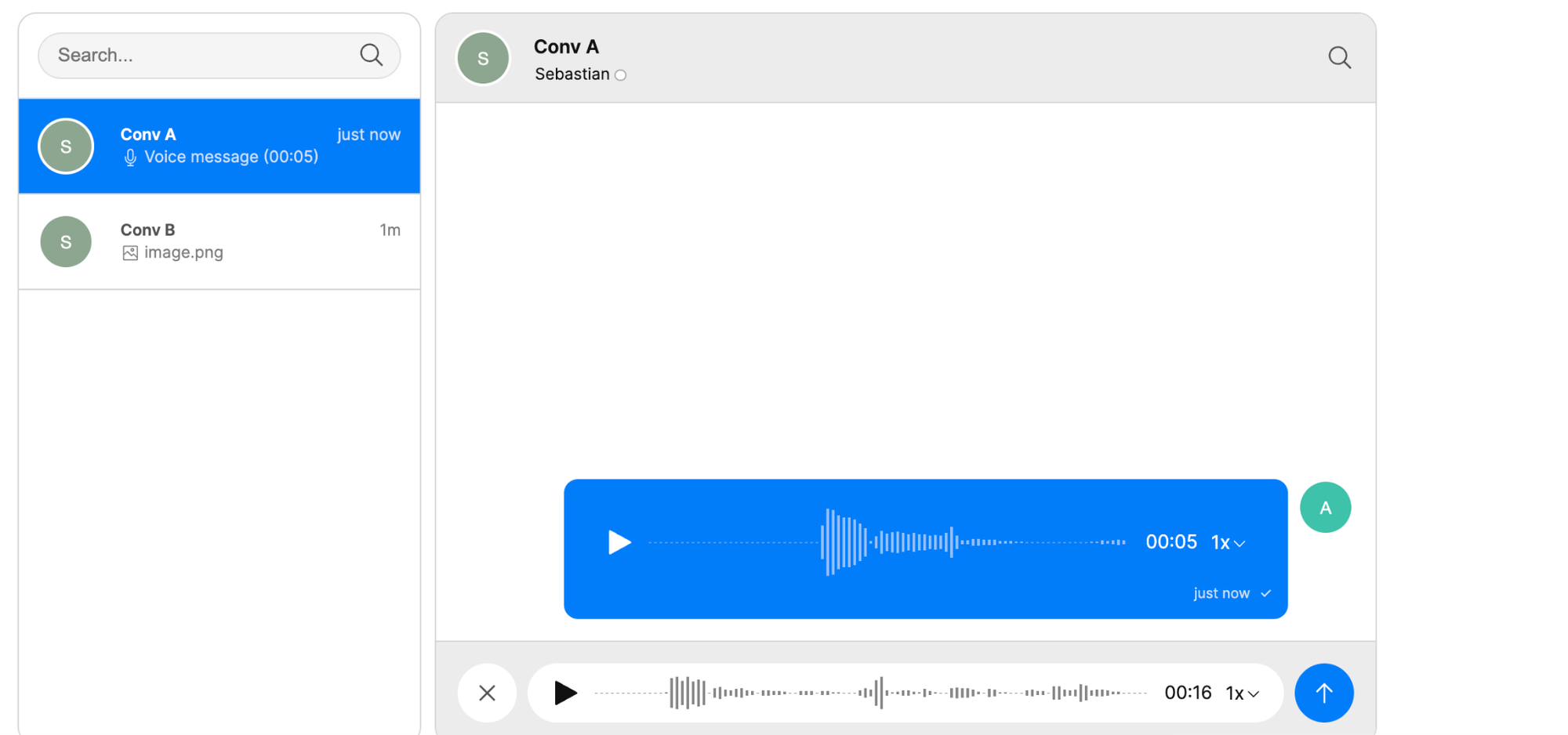
With this change, icons are now available as system components, instead of as theme components. Hence there’s no longer an Icon component in the default theme.
If you're currently using theme.Icon in your own custom components, you can upgrade to Components SDK 0.2.0 to start using the new system component. Check out all default theme changes from 0.1.11 to 0.2.0, along with an upgrade guide to apply the relevant changes to your files.
The new Icon system component brings you a stylish default icon set to build your own unified custom chat experiences.


