
Real-time messaging data
Access and manage real-time chat data with TalkJS. Build custom chat UIs using the Realtime API or @talkjs/core package.


Technical Writer at TalkJS
Access and manage real-time chat data with TalkJS. Build custom chat UIs using the Realtime API or @talkjs/core package.

TalkJS Chat UI Components are now in preview—fully customizable, production-ready, and easy to use with any frontend framework.

Find out how FrostyWave is empowering young women to grow into their best selves with the TalkJS chat API.

Real-time chat translation reduces language barriers and improves global communication. Learn how to set up real-time message translation for your site or app with TalkJS.
Sendbird, Stream and QuickBlox give you UI kits, PubNub and Pusher leave the screens to you, and TalkJS, CometChat, Rocket.Chat and MirrorFly ship a ready-made chat UI you brand as your own.

The closest Ably alternatives are TalkJS, Stream and Sendbird for chat with a ready-made UI, PubNub and Pusher for hosted real-time messaging, Socket.IO to run your own server, and Firestore for synced data.

Forwarding a message is a quick and easy way share information. This guide shows you how to add a forward message feature to your TalkJS chat.
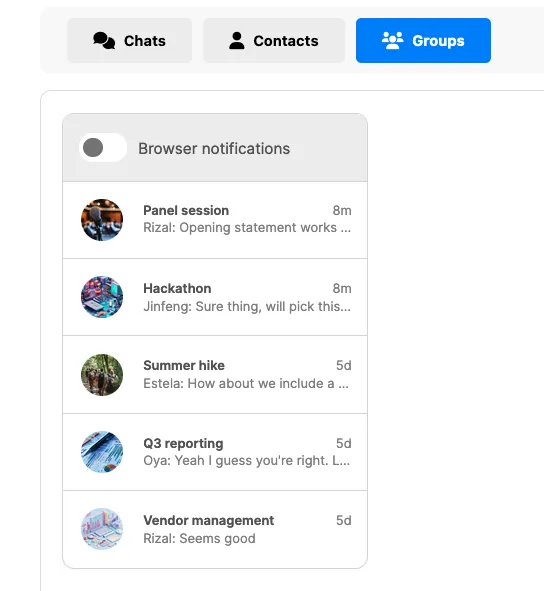
This guide will show you how to add tabs to your inbox UI, which allow your users to easily switch between chats.

Mentions are a powerful feature of any chat. In high-volume chats, you may want to make messages with mentions yet easier to find. This guide shows you how to add a toggle button to your chat to filter messages that @-mention the current user.

You can now customize the conversation list search as part of your theme, to match your own brand’s look and feel.

This guide helps you integrate chat into your Framer website with TalkJS. By the end of this guide, you'll have a working example of TalkJS chat in Framer.
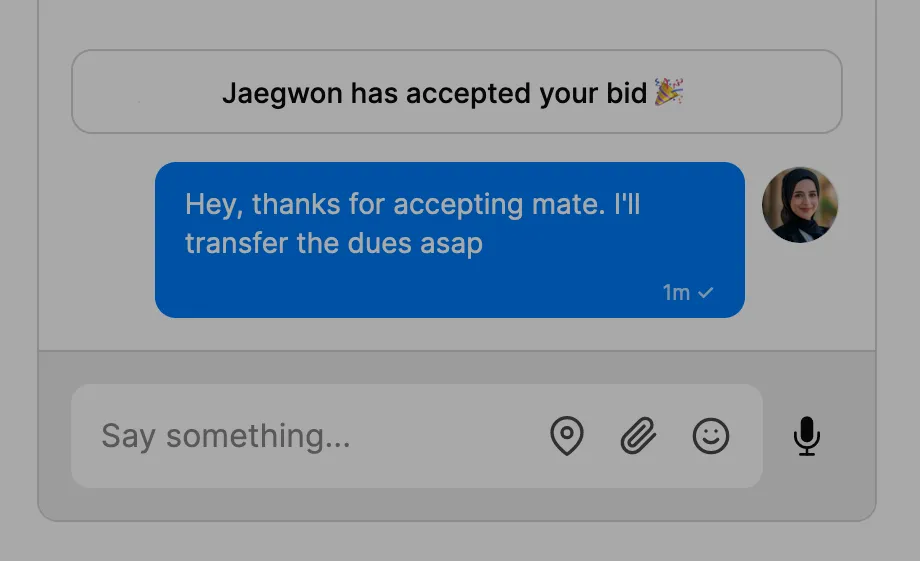
This guide details how you can send system messages to a conversation that only show up for a specific user.


