
How to add a forward message feature to your chat
Forwarding a message is a quick and easy way share information. This guide shows you how to add a forward message feature to your TalkJS chat.

Explore our guides on how to customize your TalkJS application and add new features
Forwarding a message is a quick and easy way share information. This guide shows you how to add a forward message feature to your TalkJS chat.
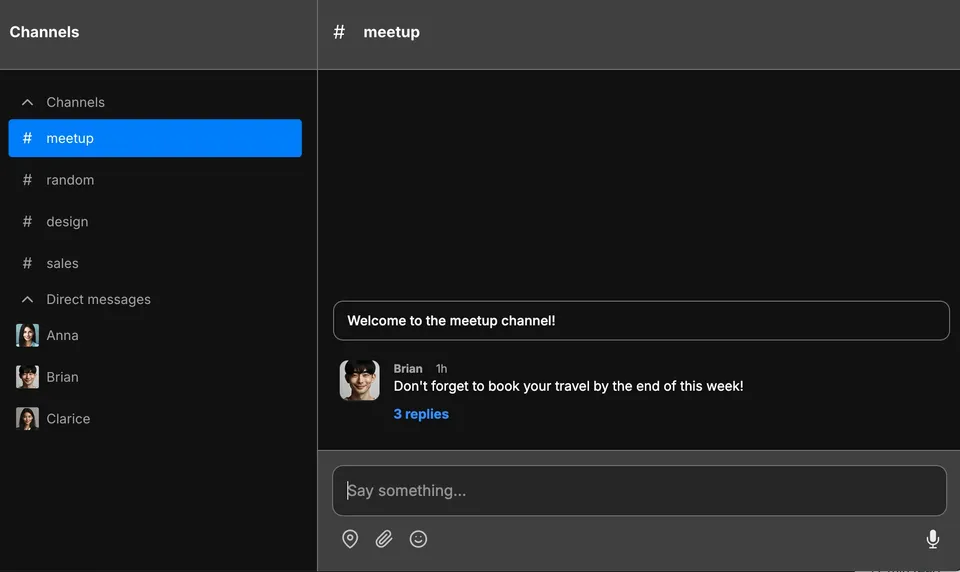
This guide uses the classic React SDK. If you're starting a new project, consider using TalkJS Chat UI
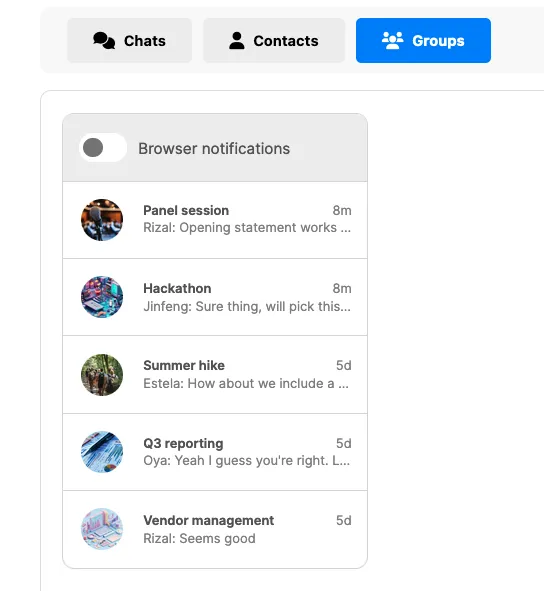
This guide will show you how to add tabs to your inbox UI, which allow your users to easily switch between chats.

Mentions are a powerful feature of any chat. In high-volume chats, you may want to make messages with mentions yet easier to find. This guide shows you how to add a toggle button to your chat to filter messages that @-mention the current user.

This guide details how you can send system messages to a conversation that only show up for a specific user.

This guide shows you how to create a poll in TalkJS and embed it in your chats.
Tutorial on adding a custom 'Create new chat' action button to the TalkJS conversation list header, with a participant-selection modal and conversation creation.
Tutorial on hiding a support agent from a TalkJS group chat's header and conversation list using a custom user attribute and theme edits.

Step-by-step guide to adding a real-time typing indicator for an AI chatbot in TalkJS to enhance user experience.

Tutorial on adding a Giphy-powered GIF picker to TalkJS chat using a custom action button, themes, and a search overlay to send GIFs as messages.

Tutorial on making the chat header's username and avatar link to a user's profile page in TalkJS, using either direct links or action buttons for single-page apps.
Tutorial on adding a custom 'Edit title or image' action to a TalkJS group chat, using a modal and the REST API to update the conversation.


