


Some email security scanners open the links in a message to check them. When the unsubscribe link in a TalkJS notification email acted on the first visit, a scanner could unsubscribe someone who never asked for it. That person stopped getting email about new messages, and no webhook told your app that they had unsubscribed.
TalkJS email notifications now send people to a hosted unsubscribe confirmation page, so opening the link no longer unsubscribes anyone. Emails also carry List-Unsubscribe headers, and a new notification.unsubscribed webhook tells your server which email address stopped receiving notifications, and why.
How the TalkJS unsubscribe confirmation page works
The unsubscribe link in a TalkJS notification email now opens a confirmation page. Nothing changes until the person clicks Unsubscribe, so a scanner that only opens the link has no effect. The page shows your app's name and the email address, with no TalkJS branding.
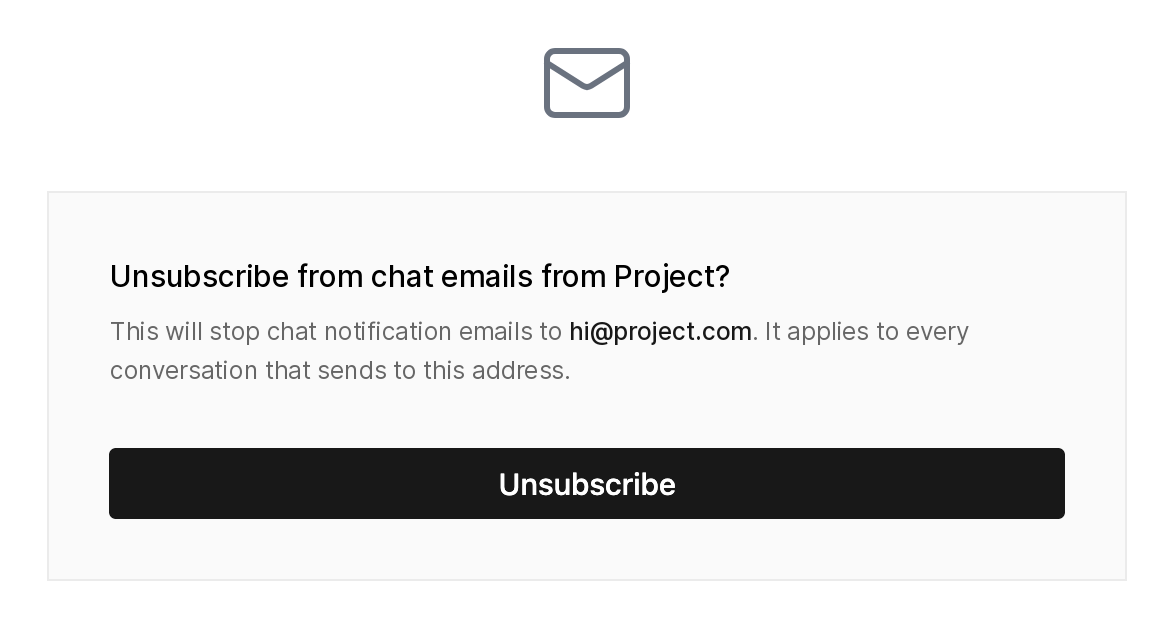
After unsubscribing, the same page offers a Resubscribe button, for anyone who clicked by mistake. They can also open the link in that email again later and resubscribe from there.
You don't need to change your email theme. Existing themes keep working, and their unsubscribe links now open the new page.
One-click unsubscribe with List-Unsubscribe headers
TalkJS notification emails now include List-Unsubscribe and List-Unsubscribe-Post headers, as defined in RFC 8058. Mailbox providers can use them to show their own unsubscribe control near the sender. These one-click requests take effect right away, without the confirmation page. The headers also help you meet Google's requirements for bulk email senders.
Track unsubscribes with the notification.unsubscribed webhook
The notification.unsubscribed webhook fires when an email address stops receiving TalkJS notification emails. That covers more than unsubscribe clicks, and the reason field says what happened:
data: {
  email: string;
  reason: 'user_clicked_unsubscribe' | 'spam_complaint' | 'hard_bounce';
  notification: { id: NotificationId; recipient: User; /* … */ } | null;
}
user_clicked_unsubscribe: the person unsubscribed, on the confirmation page or through their mailbox provider's control.spam_complaint: the person reported a notification email as spam.hard_bounce: the notification email couldn't be delivered to that address.
The webhook is about an email address, not a single user. If several users in your app share the address, none of them get notification emails at that address any more, in any conversation. If a user has other email addresses, those keep receiving notifications. So treat data.email as the thing that changed, and use data.notification to see which notification led to it. That field is null when the context is no longer available, for example if the conversation has been deleted.
This webhook doesn't fire when someone resubscribes, so a record you build from these events can show an address as unsubscribed after it has started receiving email again.
Get started with unsubscribe tracking
The confirmation page and headers are already live, with nothing to set up. To receive the webhook, go to the Settings page of the TalkJS dashboard, add or edit a webhook in the Webhooks section, and select notification.unsubscribed. For more detail, see unsubscribing from email notifications and the webhook payload in the docs.


