
Chat UI components ✨ preview ✨
TalkJS Chat UI Components are now in preview—fully customizable, production-ready, and easy to use with any frontend framework.

TalkJS Chat UI Components are now in preview—fully customizable, production-ready, and easy to use with any frontend framework.

Find out how FrostyWave is empowering young women to grow into their best selves with the TalkJS chat API.

TalkJS co-CEO Egbert Teeselink explains how a focus on autonomy and impact builds a positive work culture.

Send event invitations in your chat with custom message types. Follow this guide to create custom message types for better engagement.
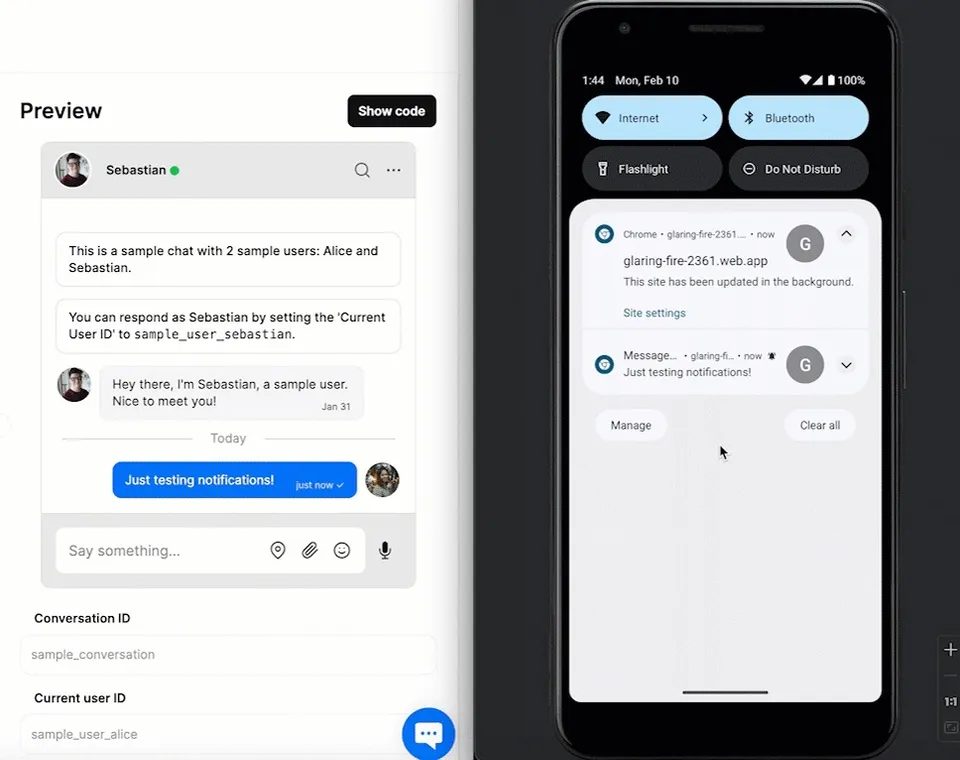
This guide uses the classic JavaScript SDK. If you're starting a new project, consider using TalkJS Chat UI

Real-time chat translation reduces language barriers and improves global communication. Learn how to set up real-time message translation for your site or app with TalkJS.
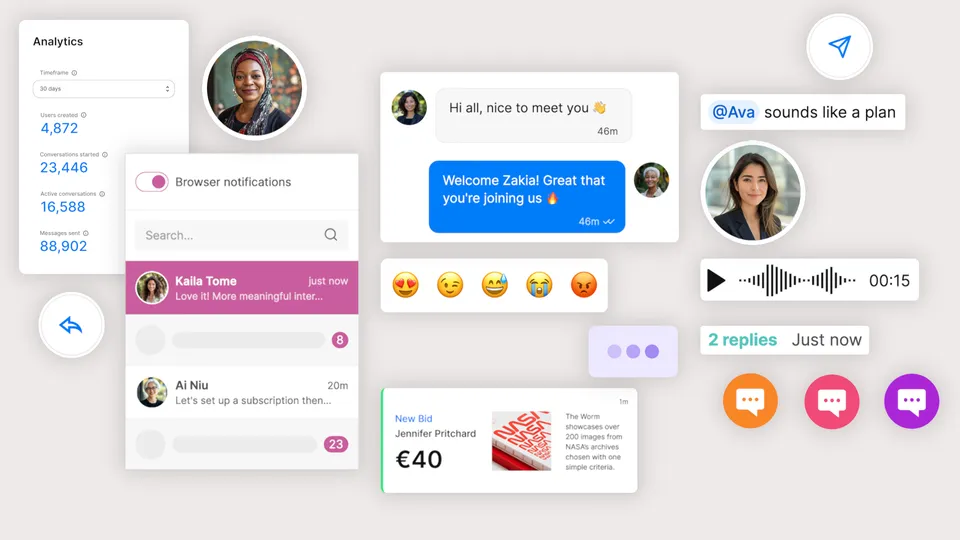
Discover the best white-label chat solutions with this expert guide. Learn benefits, key features, and explore top platforms to save time and costs.

Is Ably right for your app? Explore its pros and cons, pricing, and 7 top Ably alternatives for chat and real-time in-app messaging.
Case study on how Caspar Health migrated from Sendbird to TalkJS for GDPR-compliant, scalable patient-provider chat serving 50,000 monthly active users.

Case study on how Hotplate, a pre-order home chef marketplace, launched in-app chat with TalkJS in two and a half weeks to connect chefs and customers.

Forwarding a message is a quick and easy way share information. This guide shows you how to add a forward message feature to your TalkJS chat.

Learn how to build a custom AI chatbot using the TalkJS chat and Google Gemini. This step-by-step guide shows you how to integrate Gemini's conversational AI into your TalkJS-powered chat app using webhooks, the REST API, and Node.js.


