Activity monitoring
Track usage and inspect conversations from your dashboard.
 View as Markdown
You can monitor chat activity using the analytics and monitoring dashboard, directly from the Activity page of your TalkJS dashboard.
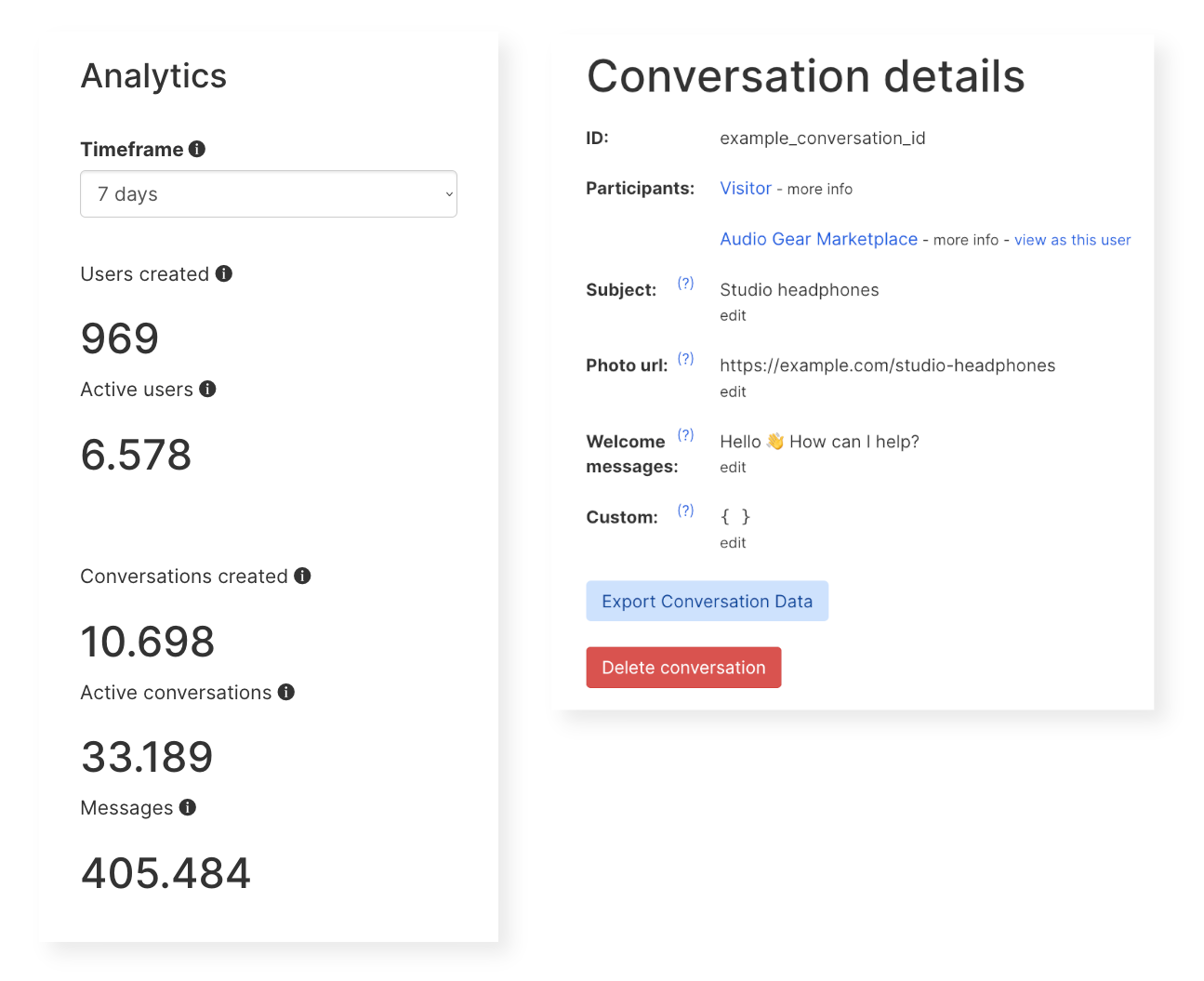
Analytics and conversation details from the activity monitoring dashboard
In the Analytics section you'll find an overview of chat usage: active users, conversations created, active conversations, and messages sent. Use the Timeframe selector to view these metrics over the last day, week, month, or 30-day period.
The Conversation history table lists all conversations, with the conversation ID, time of the last message, subject, participants, and message count. Select View on any conversation to see its full details.
You can inspect the full details of any conversation, as well as edit some conversation properties, on the Conversation details page. To access conversation details, select View on any conversation listed in the Conversation history table.
Conversation details include:
- ID
- Participants
- Subject
- Photo url
- Welcome messages
- Custom data
The conversation details view also allows you to preview the conversation from the perspective of any of its participants. By default, the preview shows the conversation from one of its participants. To switch view, select view as this user next to the participant you'd like to preview the conversation as, to get the conversation from their perspective.
You can also export the conversation data by selecting Export Conversation Data, or delete this conversation entirely with the Delete conversation option.
You can get more information on any participant in a conversation by selecting more info next to a participant's name. An inline summary shows participant details, including:
- Name
- User ID
- Role
- Email address(es)
- Phone number(s)
- Welcome message
- Availability text
- Custom data
- Locale
If you'd like to edit a participant's details, either select the participant's name, or select Edit user details from the inline overview, to open the User details page. On the user details page you can edit all user data other than their user ID which, once set, is unchangeable.