For AI agents: Find a documentation index at https://talkjs.com/llms.txt (full content at https://talkjs.com/llms-full.txt). Get a markdown version of any page by appending .md to its URL path.
Message field options
Customize the behavior and appearance of the message field.
 View as Markdown
The message field is the text area in the TalkJS chat UI where users write messages:
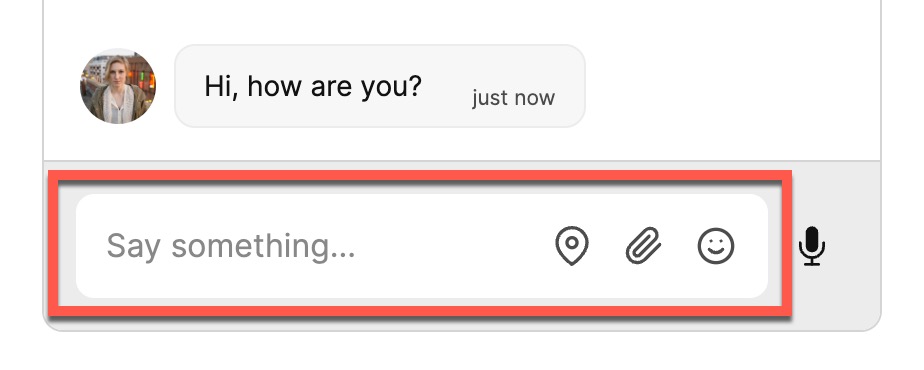
You have a range of options to customize the message field of your chat. For example, you can:
- Set the visibility of the message field
- Autofocus the message field
- Set placeholder text for the message field
- Pre-fill the message field with a suggested message
- Enable or turn off the spellcheck
- Select whether tapping the Enter key sends a message
For instructions on how to customize the message field, check out the guide on customizing the message field for your preferred framework.