
Real-time messaging data
Access and manage real-time chat data with TalkJS. Build custom chat UIs using the Realtime API or @talkjs/core package.

Access and manage real-time chat data with TalkJS. Build custom chat UIs using the Realtime API or @talkjs/core package.

TalkJS Chat UI Components are now in preview—fully customizable, production-ready, and easy to use with any frontend framework.
Add your own custom emoji images to TalkJS chat via the customEmojis option, for use in messages and emoji reactions.

You can now customize the conversation list search as part of your theme, to match your own brand’s look and feel.

TalkJS Inbox now supports a search box for finding messages and conversations, available on the Growth plan or higher, with an option to index older messages.

Mentioning someone in a chat just became more effortless. Users no longer need to manually select, or hit enter or tab to mention another user in a conversation.

You control how TalkJS displays link previews for URLs shared in the chat.

With TalkJS's Inbox pre-built chat UI, you can use conversation list filters to customize which conversations show up in the user's inbox.

Customize almost any theme component in your TalkJS user interface to match your brand's look and feel.
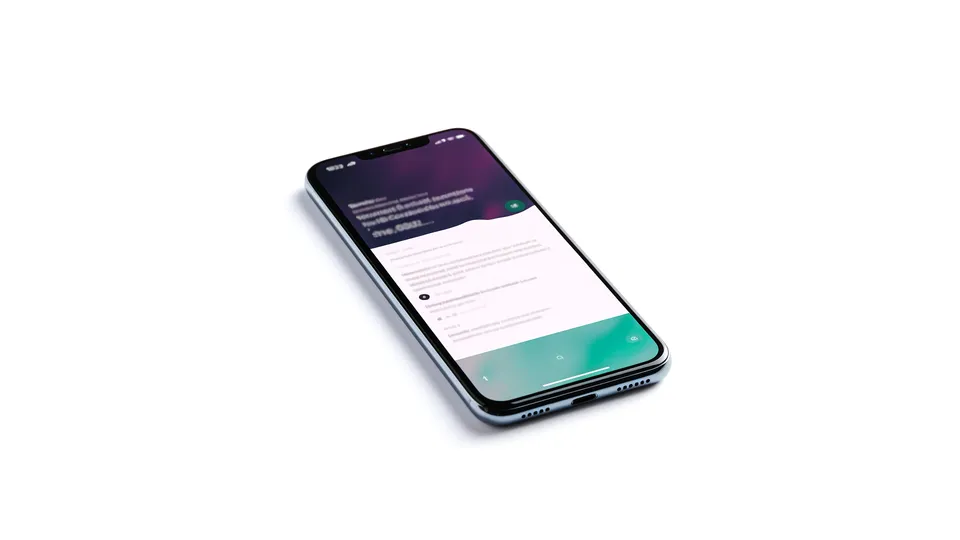
Sending mobile push notifications with TalkJS just got easier, with support for Apple Push Notification Service (APNs) tokens and the new Firebase Cloud Messaging (FCM) API.

Are you using React for your project? Then life has just become a lot easier, with an official React SDK for TalkJS.

You can now enable unread message counts in your theme. The unread message counter shows users the number of unread messages for a conversation.

