Message actions
Control which actions users can perform on a message.
 View as Markdown
Apart from just sending messages, there are various other actions that you may want your users to be able to perform within the chat UI.
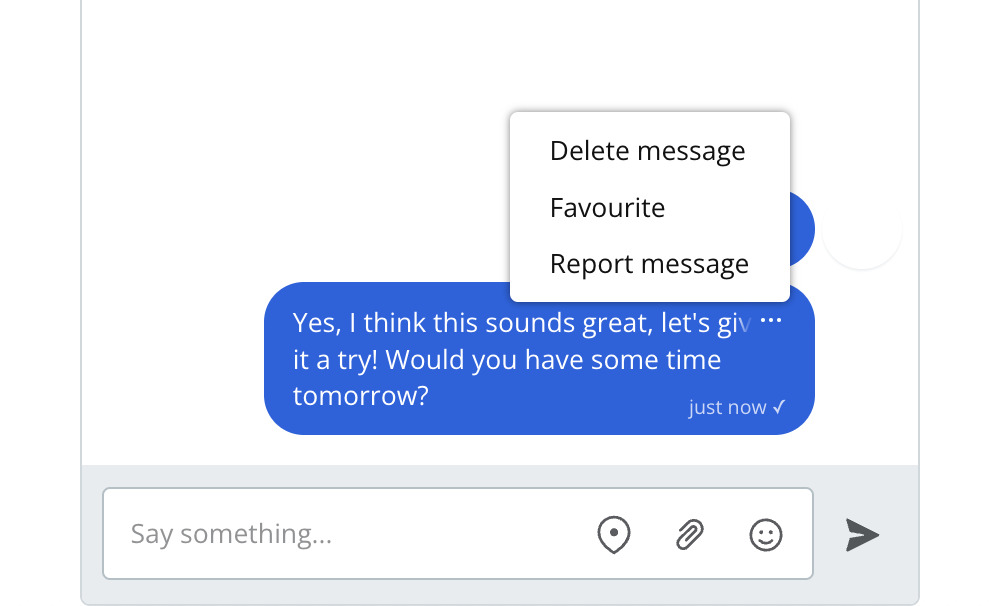
You can configure which actions a user is able to take based on their role. For each action, you can choose on which messages users with this role can perform it:
- None (users with this role can't perform this action)
- Their own messages
- All messages
You can also define custom actions for each role from the Chat UI page by giving them a name and a label. The label shows up in the actions menu. You can use the action's name to refer to this action within the JavaScript SDK. When the user selects a custom action, this triggers an event within the JavaScript SDK that you can listen for, and use to run whatever code you want in response.
For UI Components, see Custom message actions for a forwarding example using a custom menu and an application callback.
If you're using the Classic React SDK or Classic JavaScript SDK, see Add custom message actions.